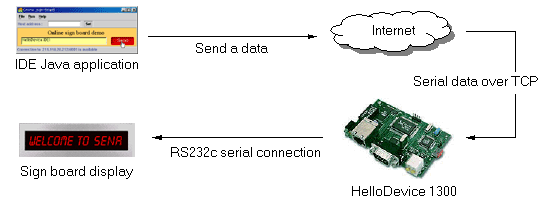
You can make a online signboard control application (not applet) with HelloDevice IDE. The online sign-board is located in Sena's headquarter in Seoul. The signboard is connected to the Internet through a HelloDevice 1300. If you connect to the HelloDevice and send a data according to the predefined protocol, the signboard will display the data.
Following is the schematic diagram of this example
Launch HelloDevice IDE
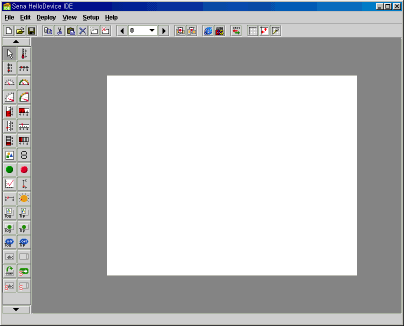
Put a Label in the design panel

Change its text to "Online sign board demo" and make its background
transparent.

Put a Serial Text Field in the design panel

Change its property values as following.
Set its write destination 'v0'.
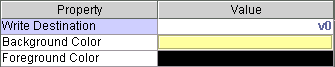
Now, the Serial Text Field looks

Put a Serial Gate Button in the design panel
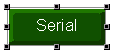
Change its property values as following.
Set the send protocol symbol 's0'.
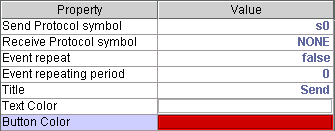
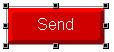
Now, the Serial Gate Button looks
Change the background color of the design panel and rearrange and resize the
components on it.
